Beta

Comparison

Truca vs Motion Canvas

Motion Canvas is for developers who enjoy programming each animation in TypeScript, often for explainers synced to a voice-over. Truca is for people who want the same kind of animated explainer built by an AI agent, then edited, reviewed and exported from a Mac app.

Download the beta for Mac

0.4.0 · 12 MB · macOS 14 or later · Apple silicon

Facts about Motion Canvas last checked on November 8, 2026 · Sources

Why choose Truca over Motion Canvas

Motion Canvas asks you to write the animation. Truca asks your agent to, and gives you a studio around it.

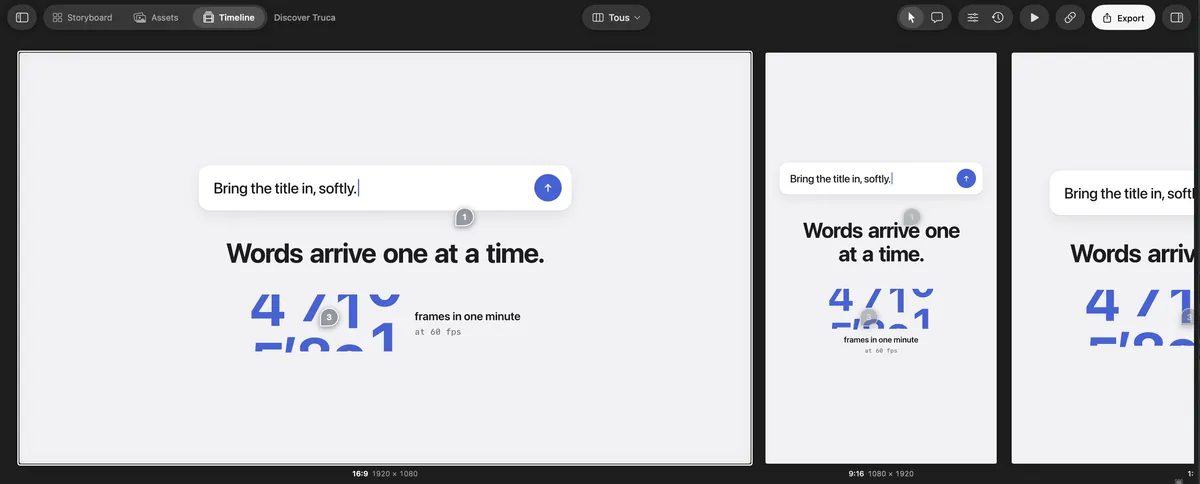
Truca’s All formats view: the 16:9, 9:16 and 1:1 versions of a scene side by side

Every format at once, not one resolution

Motion Canvas renders a project at one resolution set in its Video Settings, and its docs warn that animations do not scale when you change it. A Truca scene keeps a version per format: the All formats view plays 16:9, 9:16 and 1:1 side by side, each at its own resolution. Truca updates itself and exports up to 4K.
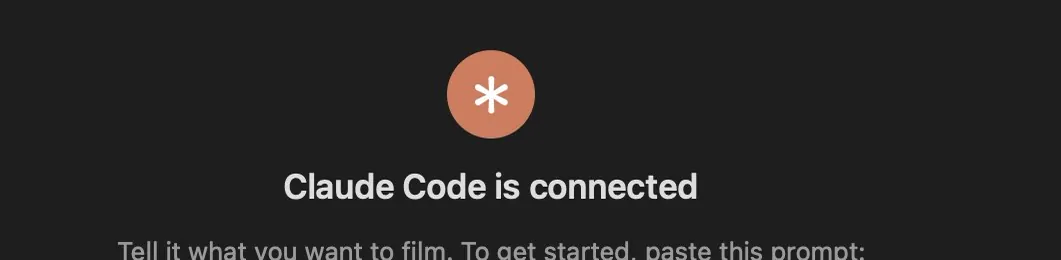
Truca’s Connect an agent screen: Claude Code is connected

Your agent writes the scenes

Instead of TypeScript generators, Claude Code, Codex or Cursor build HTML and CSS scenes in Truca over MCP. Each change is validated by the engine and appears in the app as it lands.

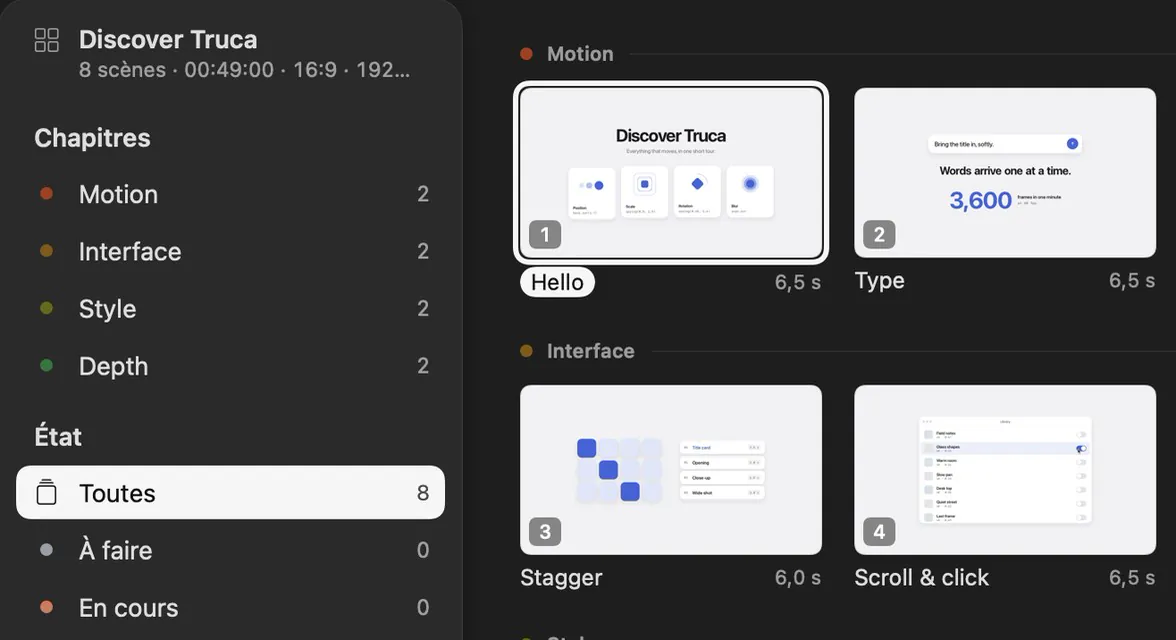
The Truca Storyboard, with scenes grouped by chapter

A storyboard and a timeline, not just a preview

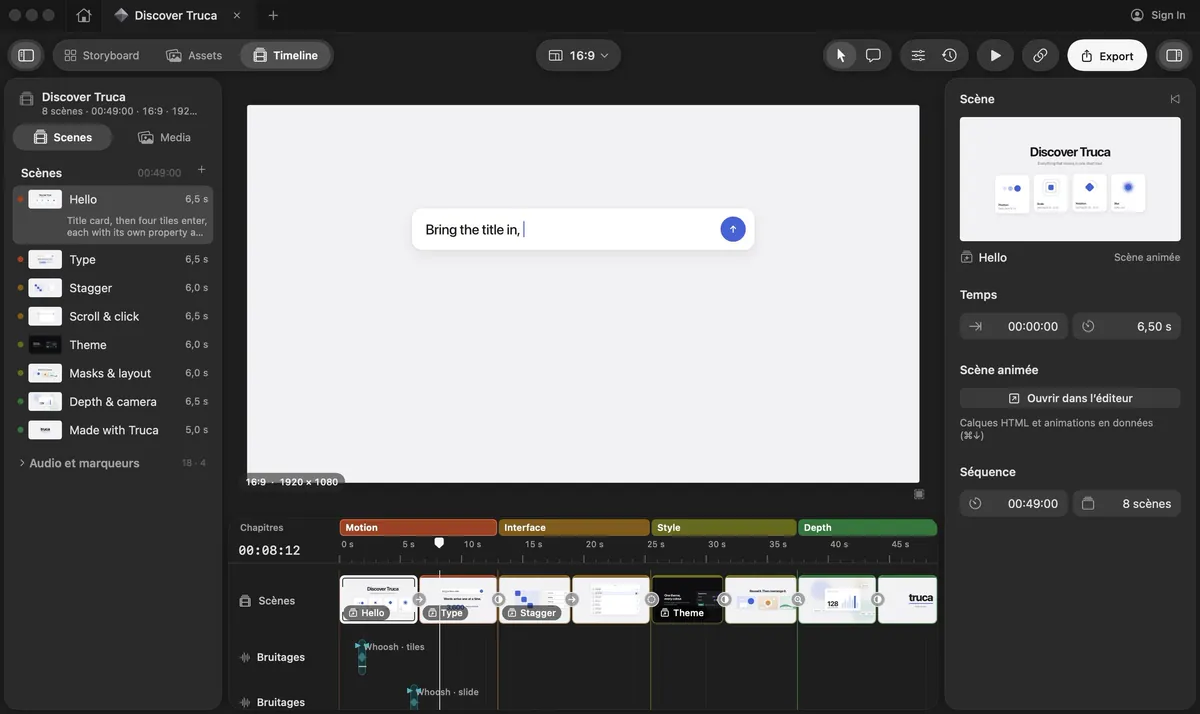
Plan the explainer scene by scene, then cut it on a timeline with chapters, music and sound effects. Fine-tune any animation by hand in the scene editor.

Feedback without a dev setup

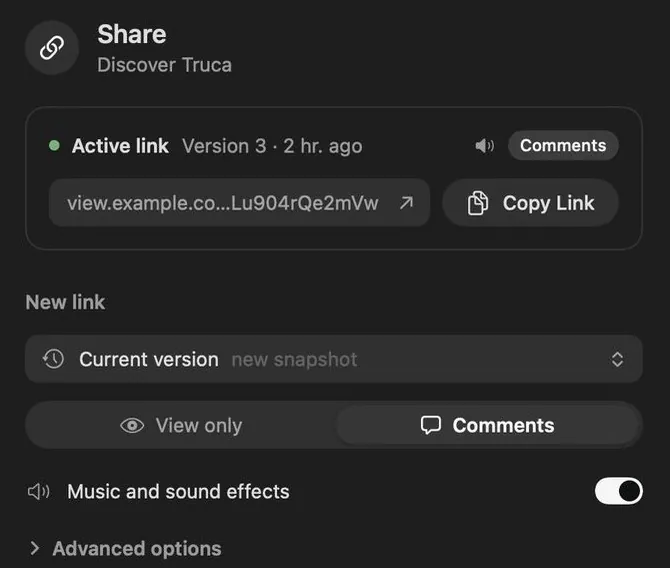
Send a private link: clients watch in the browser and pin comments on the frame. The comments land in the project for you and your agent.

Truca and Motion Canvas, side by side

Where Truca stands out

Truca and Motion Canvas compared
CriterionTrucaMotion Canvas
Formats while you editTruca stands out: Every format of a scene side by side (16:9, 9:16, 1:1, 4:5…), each at its own resolution, playing together on one timeline; edit them all at once or one at a timeOne resolution per project, set in Video Settings; animations do not scale when it changes
What it isNative Mac app for macOS 14 or later on Apple siliconTypeScript library and a web editor with a real-time preview, run locally
How animations are madeTruca stands out: Your AI agent builds HTML and CSS scenes over MCP; animations are data you can retime by handWritten in TypeScript with generator functions
Editing by handTruca stands out: Storyboard, scene editor and a timeline with chapters, music and sound effectsCode, plus editor controls for some aspects such as audio sync
Client reviewTruca stands out: Private links with comments, password and expiryNo review links documented; you share the rendered file
ExportH.264, HEVC, ProRes 422 and 4444, up to 4KVideo through an FFmpeg exporter, or an image sequence
ReleasesTruca stands out: Beta with regular releases, delivered by the app’s own updaterLast stable release v3.17.2 on December 14, 2024; v3.18.0-alpha.0 on February 16, 2025
Price and licenseFree during the betaFree and open source (MIT)

When Motion Canvas is the better fit

Motion Canvas has a loyal community for good reasons. It suits you better in these cases.

Explainers without the generators? Try Truca.

Download the beta, connect your agent and ask it to storyboard your next explainer.

Download the beta for Mac

0.4.0 · 12 MB · macOS 14 or later · Apple silicon

The Truca timeline, with the sample project Discover Truca

Questions

Is Truca a Motion Canvas alternative?

Yes, if you want the animated explainer without programming it yourself. Your AI agent builds the scenes, and you direct and edit them in a Mac app.

Is Motion Canvas still maintained?

As of November 8, 2026, its last stable release on GitHub is v3.17.2, from December 14, 2024, followed by v3.18.0-alpha.0 on February 16, 2025.

What about Revideo?

Revideo is an open-source rendering engine for videos in TypeScript whose MIT license carries the Motion Canvas copyright. Its README describes it as the engine behind Midrender. Like Motion Canvas, it is a library you code against rather than an app.

How much does Truca cost?

Truca is free during the beta.

Sources

Last checked on November 8, 2026

Motion Canvas, Revideo and Midrender are trademarks of their owners. This page compares public information and is not endorsed by them. Spotted something out of date? Tell us and we’ll fix it.